
.svg)

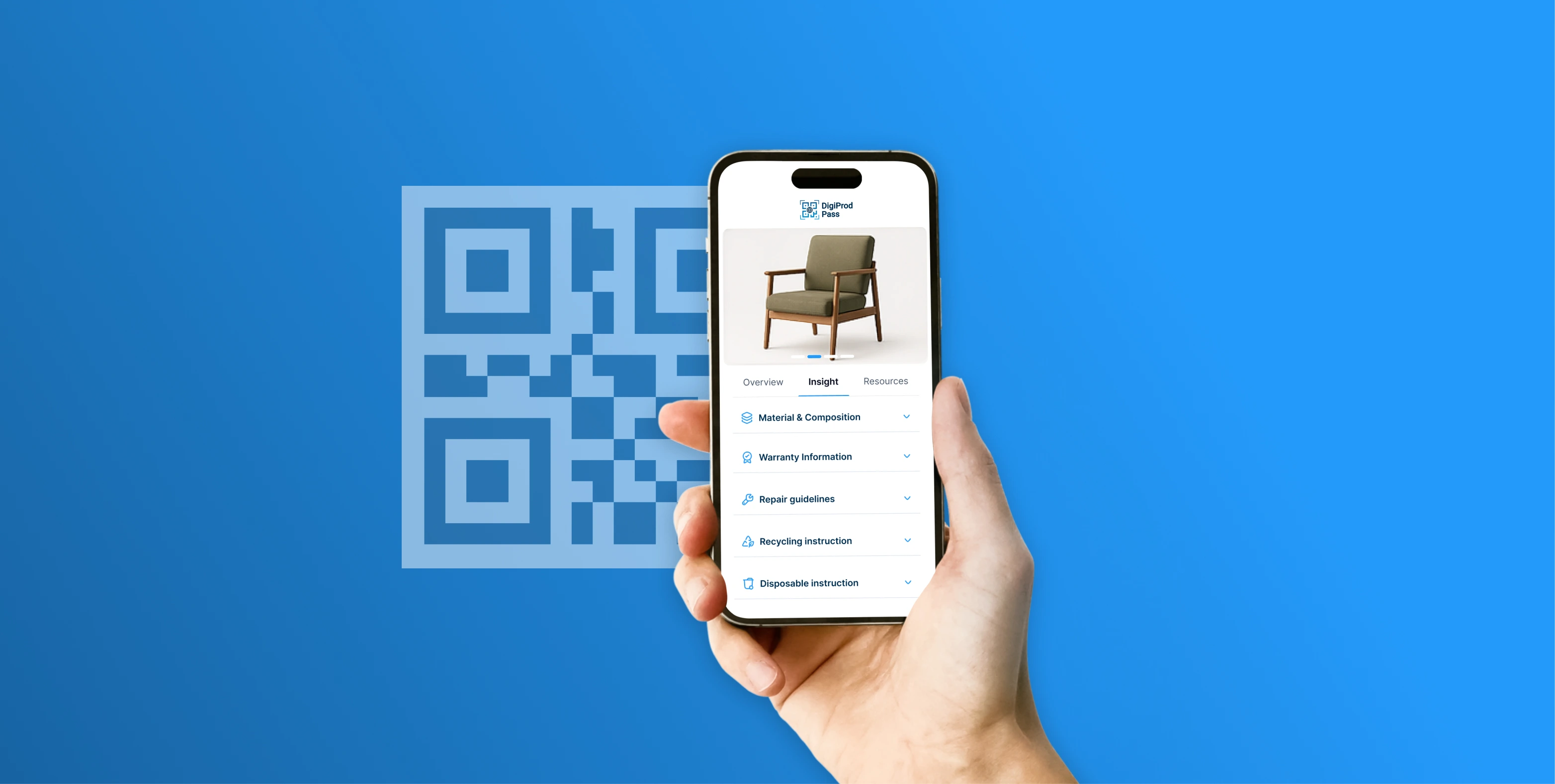
Assembly instructions are one of the last remaining paper bottlenecks in the consumer product experience. A printed sheet gets lost, mistranslated, or ignored. A QR code printed right on the box changes everything — giving customers instant, digital, step-by-step guidance the moment they need it.
Why the Shift to Digital is Accelerating: Beyond saving print costs, moving away from physical manuals is fast becoming a corporate regulatory necessity. Under frameworks like the EU’s Ecodesign for Sustainable Products Regulation (ESPR), brands selling in global markets are being pushed toward machine-readable, digital-first product information systems. Transitioning to a digital instruction ecosystem ensures your product packaging is future-proofed before mandatory compliance deadlines hit.
Rather than including a multi-language printed booklet with every product, brands can embed a compact QR code on the packaging that links customers to a rich digital instruction experience. When scanned, it opens a fully formatted page with step-by-step diagrams, part-identification guides, video walkthroughs, and even a live chat option if they get stuck.
A standard, static QR code isn’t enough for enterprise brands. Implementing digital assembly instructions across global product lines requires Dynamic QR Codes built on the GS1 Digital Link standard. Unlike a standard QR code — which can point to a redirectable URL but lacks structured identifier syntax — dynamic GS1 Digital Link architectures allow compliance and product teams to update backend manual links, localised language assets, and video walkthroughs server-side at any time, while also enabling industrial scanners to extract structured product identifiers directly from the code, all while keeping the exact same artwork printed on the physical packaging. Furthermore, adopting the GS1 Digital Link standard ensures a single code can serve dual purposes: opening a consumer-facing instruction page when scanned by a smartphone, or pulling up internal supply chain metrics when scanned in the warehouse.
Architecturally, the GS1 Digital Link standard works by embedding a standard product identifier—such as a Global Trade Item Number (GTIN)—directly into a structured web URL. Instead of printing a traditional barcode for warehouse scanning and a separate, secondary QR code for the customer, this framework merges them into one single point of access. When a retail point-of-sale scanner reads the code, it extracts the product ID to process the transaction, but when a consumer scans that identical code with a smartphone, a web utility called a resolver automatically redirects them straight to your mobile-optimised digital instructions page.
A QR code on the box is a tiny change in packaging that delivers a dramatically better customer experience. It removes the frustration of a lost or misread manual, replaces static diagrams with living content, and gives brands a live connection to customers at the exact moment they need help — the assembly moment.
Transitioning to digital instructions has implications well beyond the customer experience. It restructures how you manage batch-level quality events, reverse logistics, and ESPR compliance. Read another blog on GS1 Digital Link for Operations and Supply Chain Control
Ready to go paperless? Book a Demo with DigiProd Pass to set up compliance-ready, QR-linked digital instructions for your product lines!
Do I need to download a specific app to view the instructions?
No. Modern smartphones (iOS and Android) can scan QR codes directly through the native camera app. The instructions open in your mobile browser, ensuring a seamless experience without clunky downloads or account sign-ups.
What if I don’t have an internet connection in the room where I’m assembling?
While the QR code requires a connection to load, most digital instruction platforms allow you to save the guide as a PDF or "Add to Home Screen" while you have signal, ensuring you can access the steps offline.
Will the instructions be in my language?
Yes. The system automatically detects your phone’s language settings and displays the guide in that language. You no longer have to flip through a 50-page booklet to find the five pages written for your region.
Can I still print the instructions if I prefer paper?
Absolutely. Digital guides typically include a "Print" or "Download PDF" button for users who prefer a physical copy on their workbench.
What happens if we update the product design? Do we need new QR codes?
No. This is the beauty of Dynamic QR Codes. You can update the back-end content (videos, diagrams, or text) at any time while the QR code printed on your packaging remains exactly the same.
How does this reduce product returns?
Most returns happen due to "forced assembly" errors or the perception of missing parts. Digital guides provide 3D animations and zoomable high-res photos that clarify orientation and part identification far better than grainy black-and-white printouts.
Is it possible to track how many people are using the digital guides?
Yes. You gain access to powerful analytics, including:
How do we handle customers who are less "tech-savvy"?
While digital is the primary focus, we recommend a "Hybrid Approach" during the transition. You can print a small "Quick Start" card with the QR code and the three most critical safety steps. This provides a safety net while still driving the majority of users to the rich digital experience.
Does moving to digital help with our ESG (Environmental, Social, and Governance) reporting?
Significantly. By eliminating paper manuals, you reduce your paper waste, lower shipping weight (which reduces carbon emissions), and remove the chemical waste associated with mass-scale industrial printing.
Pro-Tip: When placing your QR code on the packaging, ensure it is located on an internal flap or a dedicated part-card. This prevents the code from being damaged during shipping and ensures the customer sees it the moment they open the box.
Sources
EU Ecodesign for Sustainable Products Regulation (ESPR)
Environmental Paper Network (EPN) Statistics
Gartner Customer Experience Research
Catena-X Automotive Network Standards
.svg)

.svg)



.svg)
.svg)


%202026_1310.webp)